⬆️ Upgrading TKGs on vCenter 8u3
🎯 Upgrading Workload Management Supervisor Clusters
Once you have upgraded you vCenter to the latest version, and assuming you have the workload clusters feature turned on, you can follow the steps here to upgrade your supervisor clusters.
-
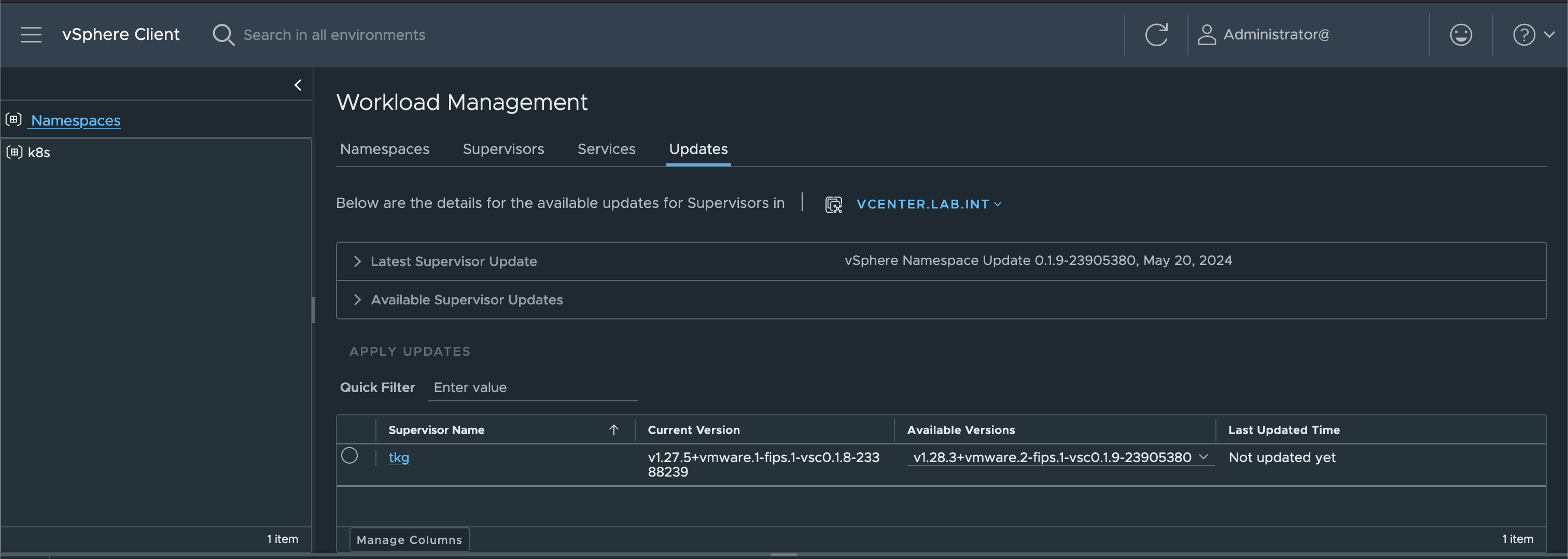
Navigate to Workload Management » Updates. Here you will notice your cluster listed, with the version of k8s it was provisioned with and then the latest available version
-
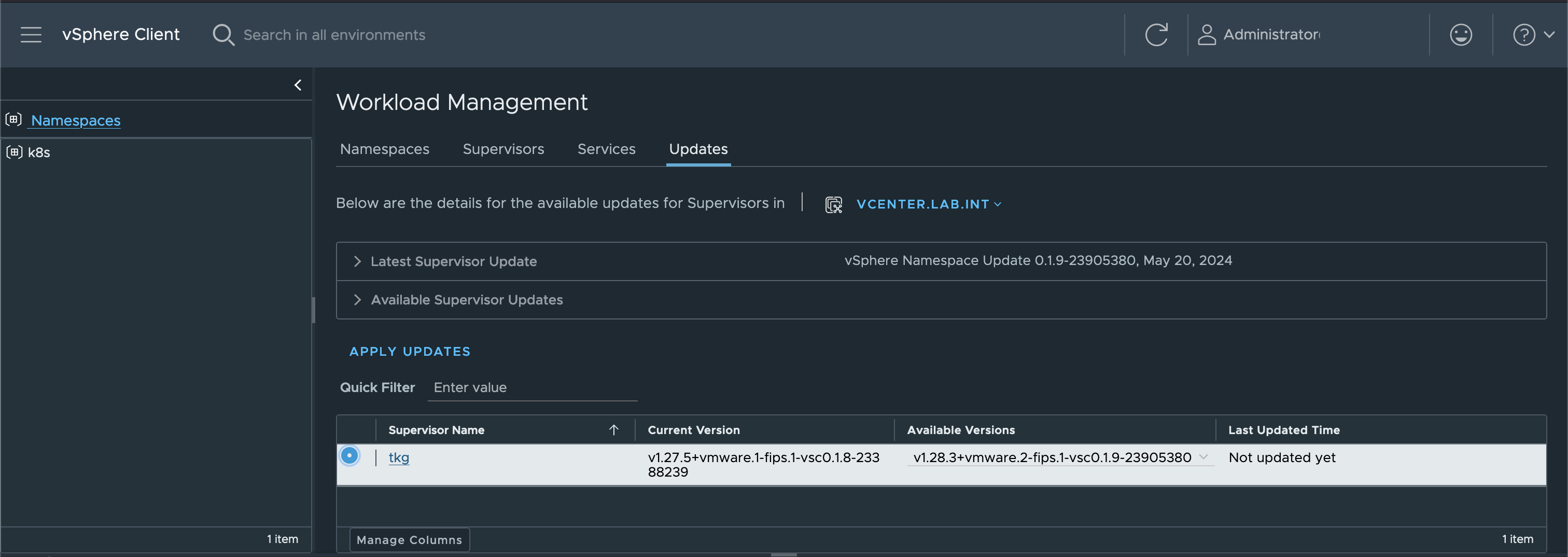
Select your cluster, and click on Apply Updates
-
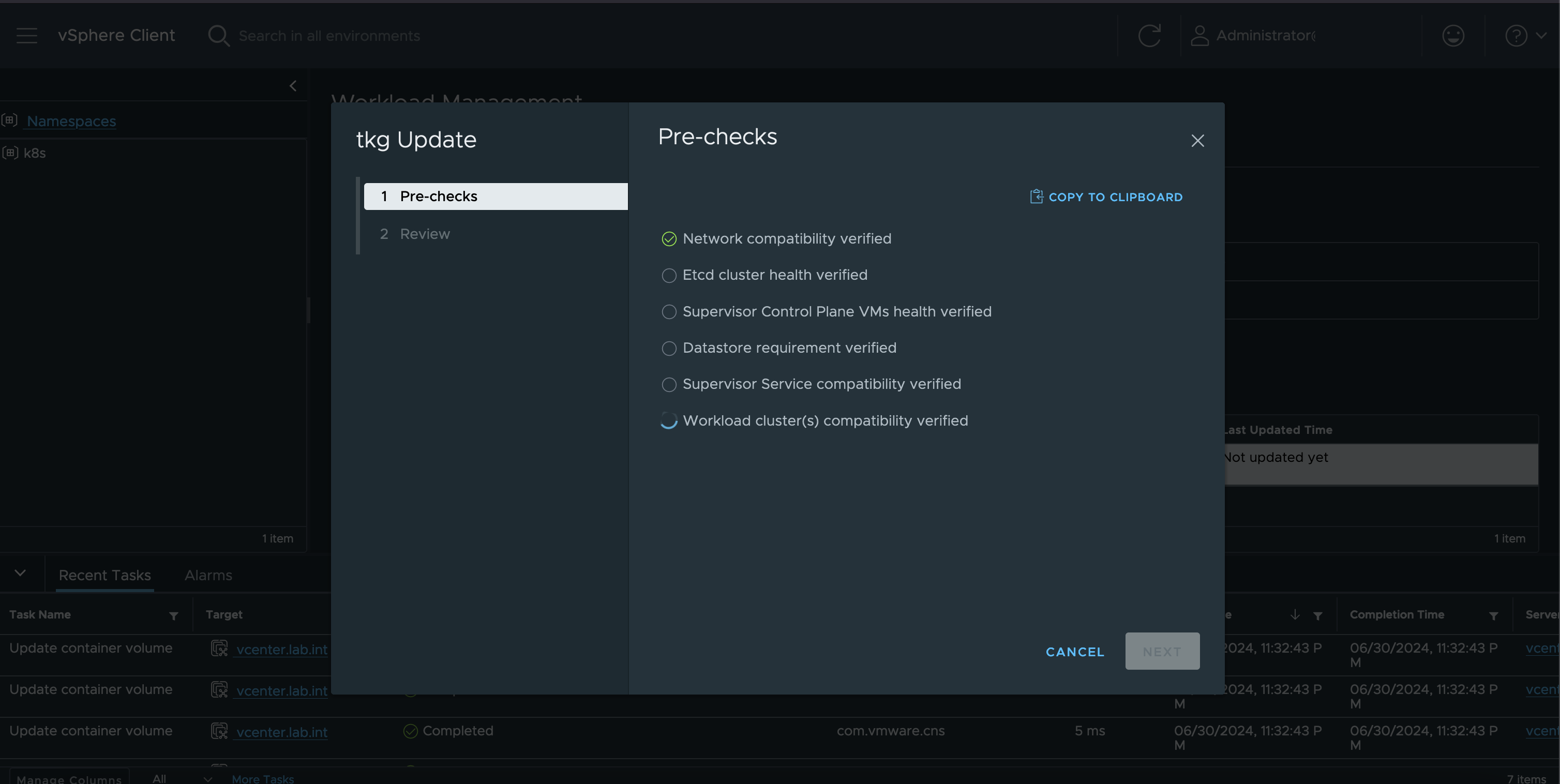
This is when the pre-checks are performed, to ensure this cluster is compatible with the latest release and can be upgraded
-
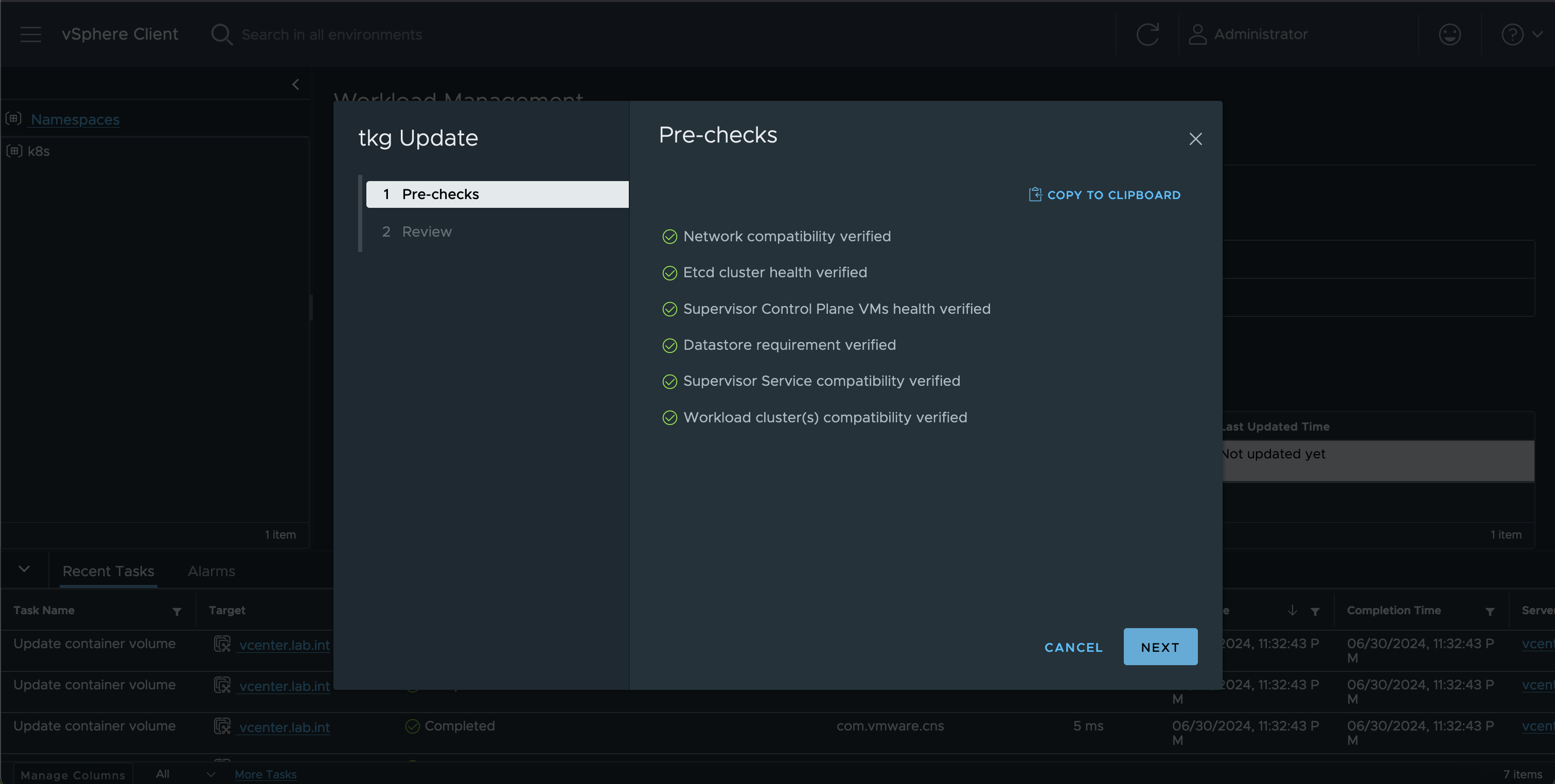
Once the pre-checks complete, you can click on Next button
-
And review the upgrade message, and ensure you are ready to upgrade. Once ready, click on Finish.
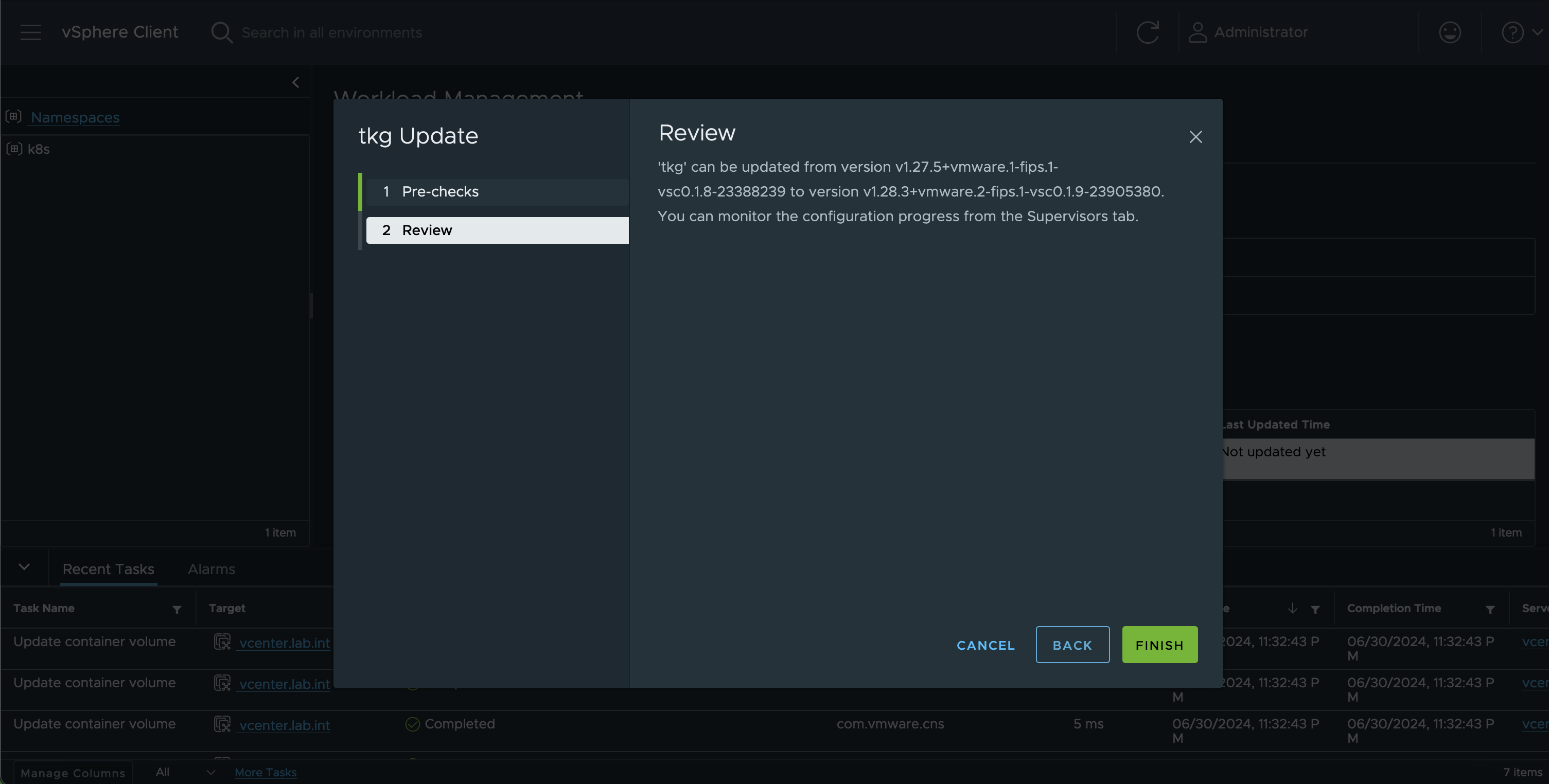
-
At this point, the vCenter upgrades the k8s versions for all the supervisor nodes that are running on the hosts that are under the chosen cluster. This is time consuming activity
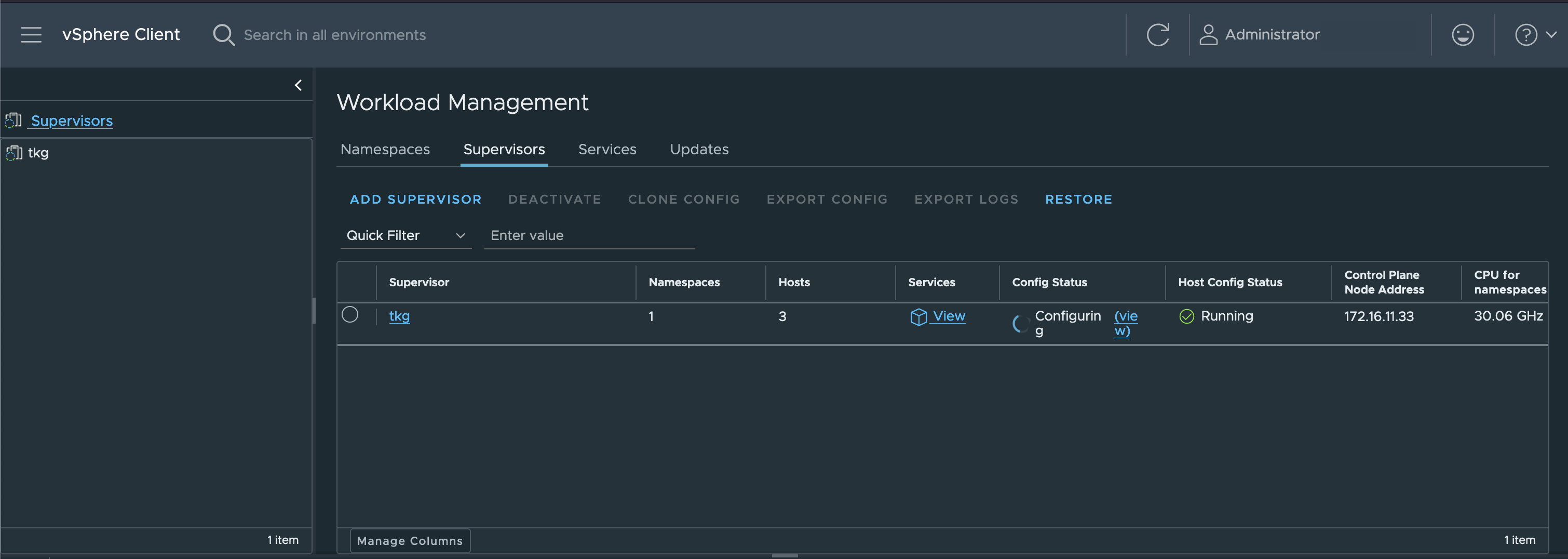
-
You can review the upgrade progress by clicking view hyperlink in the
Config Statuscolumn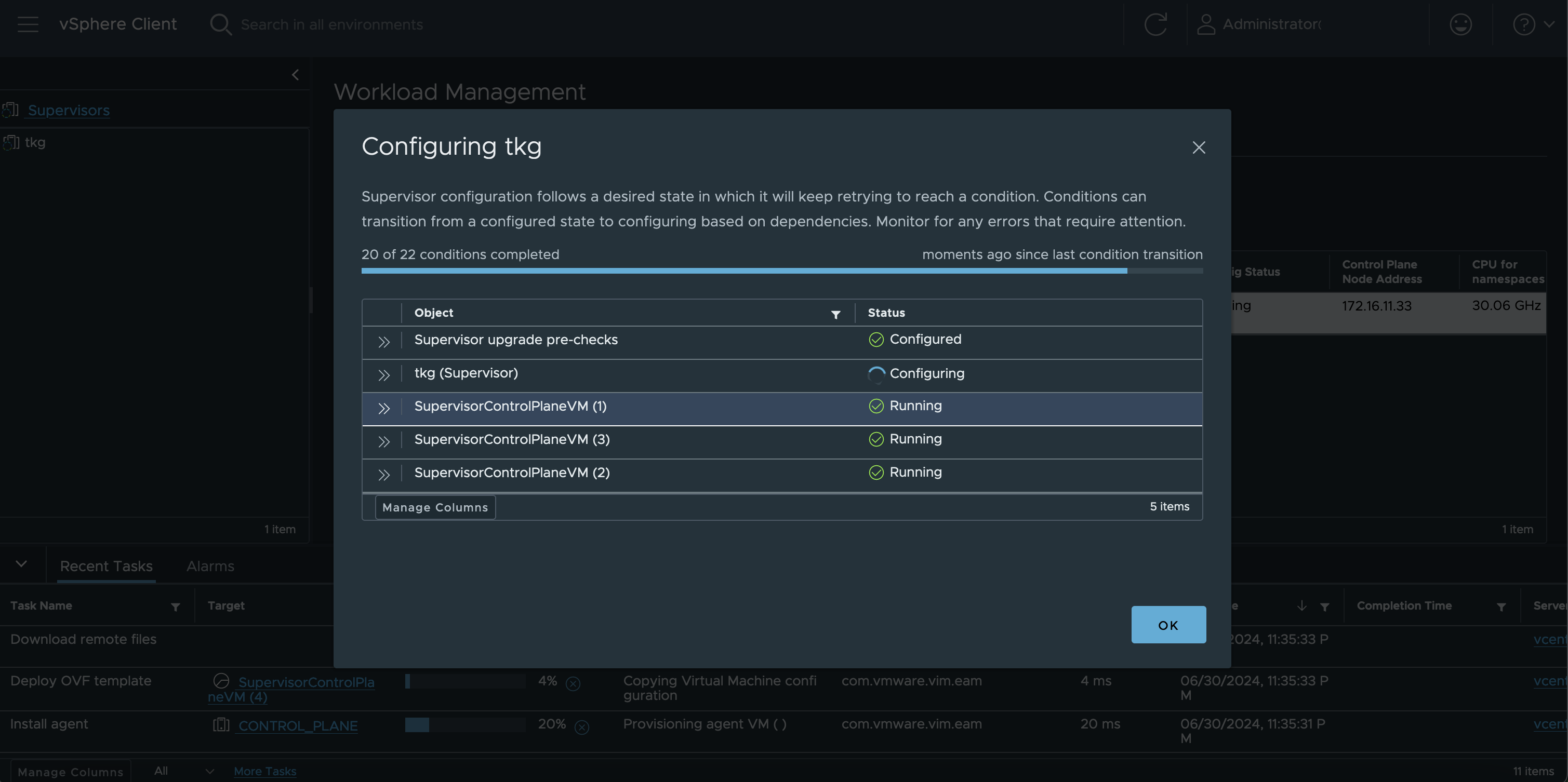
-
Once the upgrade has completed, you will notice the column in
Config Statuswill show as Running. If something has gone wrong, then you will need to troubleshoot the error. Most likely a restart of you host can help resolve the issue.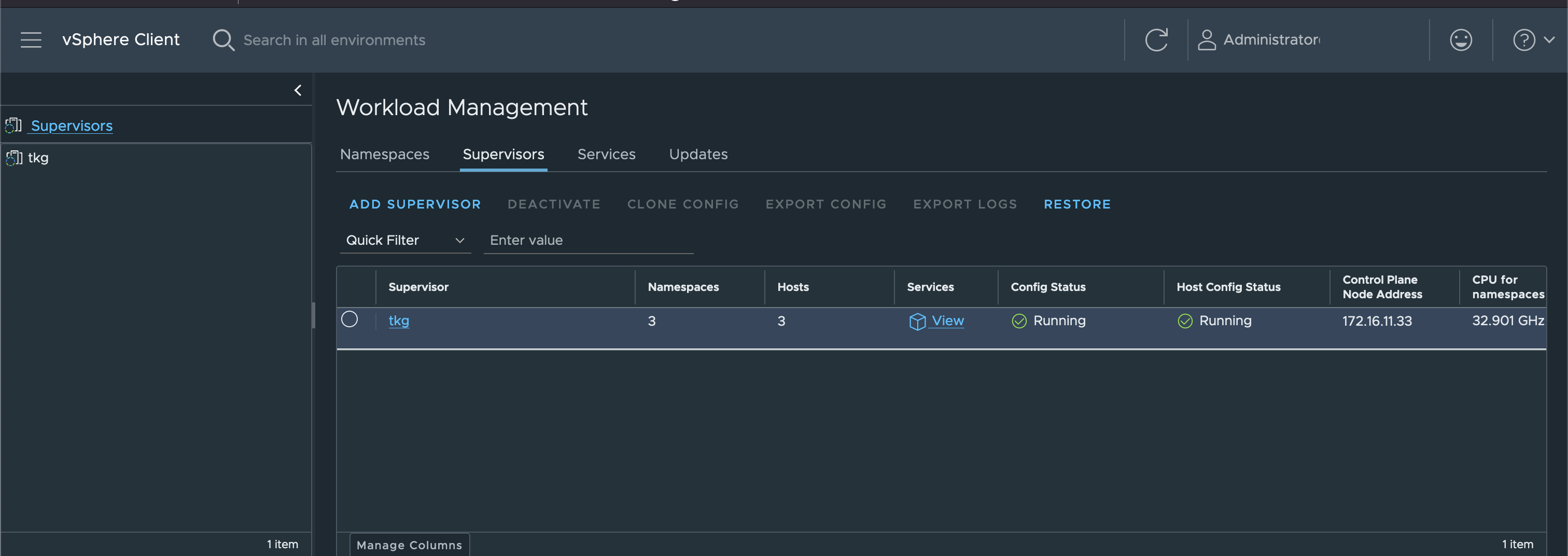
-
Once upgrade is complete, you will notice additional 1 namespaces get provisioned, which is for velero backups.
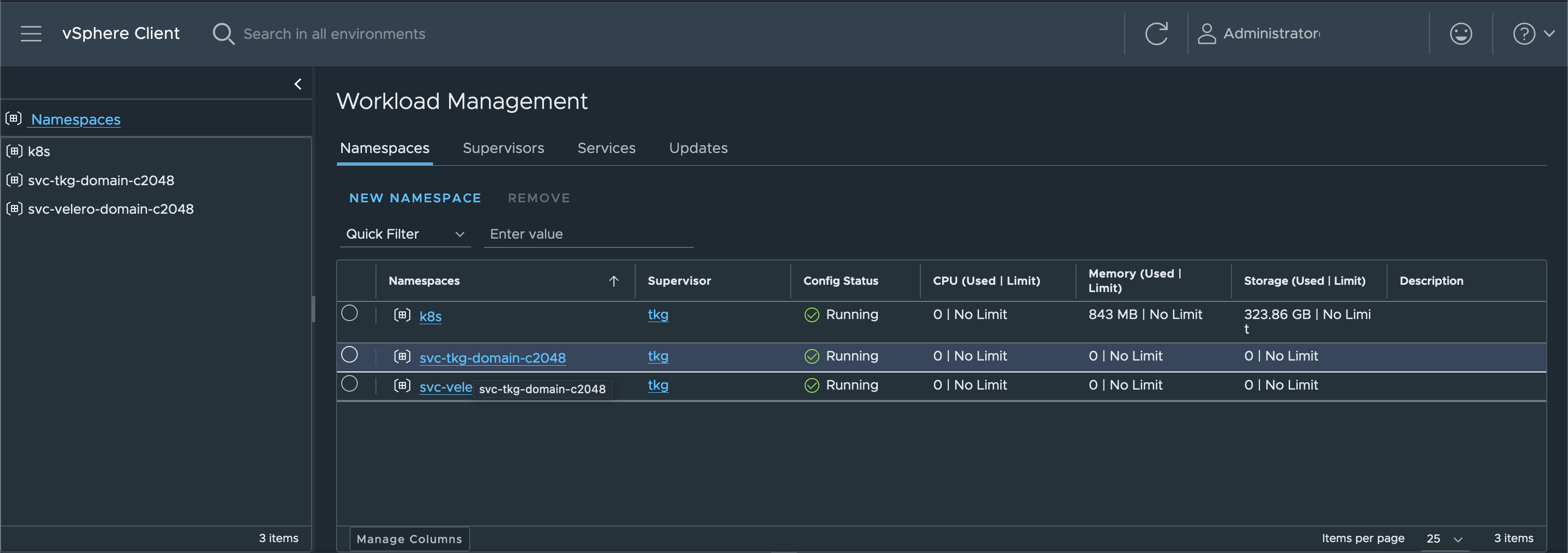
My upgrade was painless, but I will update this blog when I run into any other issues. Happy learning!!